I'm Chris. I built these two apps from lived experience. One is for your own recovery. The other is for the people living alongside someone else's addiction. You can also download my free personal workbook to print or type into. Take what helps, at your own pace.
Both apps are freeNo sign-in neededHome Screen or browser
No account or sign-in. The workbook and both apps open straight away.
Choose one or use both
Find the app that fits.
Personal recovery · Updated browser app
Quiet Strength Recovery
For adults working on their own recovery from addiction. 365 original daily readings with recovery and ACOA themes, official AA and ACA reading links, 20 videos, a coffee-shop finder and private check-ins.
For adults affected by someone else's addiction, including men and women. 365 family reflections, a coffee-shop finder, family-support talks and meditations, boundaries and private writing.
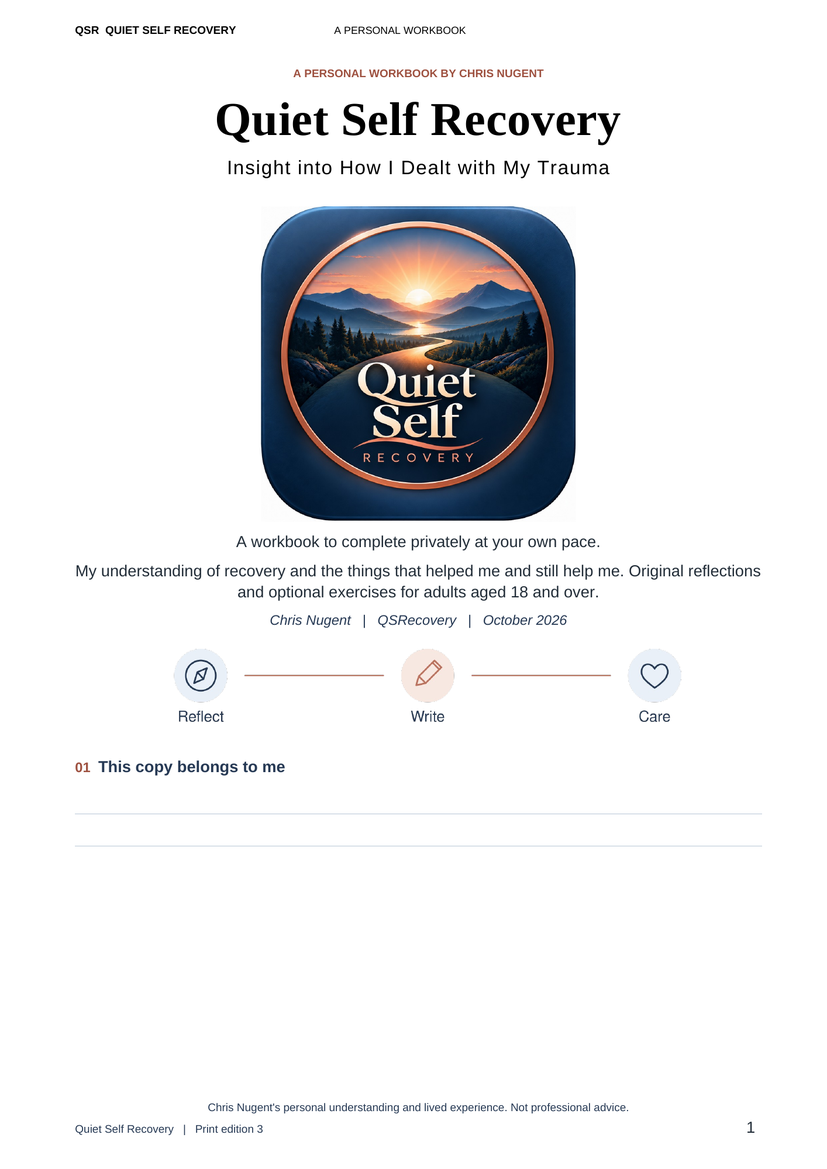
My personal understanding of recovery, and what helped me and still helps me. Original reflections, letters, fears and love lists, emotional distinctions and the QSR reflection model. The ending explains what each task is meant to help with.
Choose Add to Home Screen. Confirm the installation on Android, or follow the Share → Add to Home Screen steps on iPhone. Open your QSR icon afterwards. This option does not download an APK into Files.
Open your chosen app. Read the introduction and create a local passcode to protect your private writing.
Try one useful tool. Start with a check-in, a reflection or a short grounding exercise. You don't need to do everything.
Keep an encrypted backup. Use the app's Settings before changing devices, clearing storage or reinstalling. Keep the passcode used for that backup safe.
Prefer an Android APK file?
Use “Android APK file (optional)” underneath your chosen app. Tap Open in your browser's completed download notification and follow Android's installation prompts. Once installed, open the app from its icon. If your launcher only adds it to the app list, press and hold its icon and drag it to your Home Screen. You can also find the file in Downloads if you prefer.
Updating an app already on your phone?
Install the new signed Android APK over your existing app to keep its saved entries. Open the app and close and reopen it once so its cached pages can refresh. The browser apps update when opened online. Make an encrypted backup in Settings before an update if you want a copy you control.
Using an iPhone, iPad or computer?
Choose “Add to Home Screen” above, or use the browser option. On iPhone or iPad, open the page in Safari, tap Share → Add to Home Screen → Add. Keep Open as Web App on if shown. This is the web app version; APK files are for Android. Restore an encrypted backup if moving your writing between versions.
Is there a cost or a testing commitment?
Both apps are free and open without an account. There is no payment or testing commitment. Use them at your own pace.
How can I help improve the apps?
Tell me which app you used, your phone or browser, and what worked or needs fixing. Please leave out private journal entries, passcodes and personal health information. Email your feedback.
The signed Android builds are available for feedback; physical-device acceptance testing is still being completed.
Help someone find the tools
Pass this page on.
If somebody could benefit, send them this link: quietstrengthrecovery.co.uk/downloads/. It brings both free apps and my printable workbook together in one place.
Use the tools alongside the support you need.
These are lived-experience peer-support and educational resources for adults aged 18 and over. They do not provide treatment, counselling, detoxification or emergency care. Read the app privacy information and choose what helps you.